

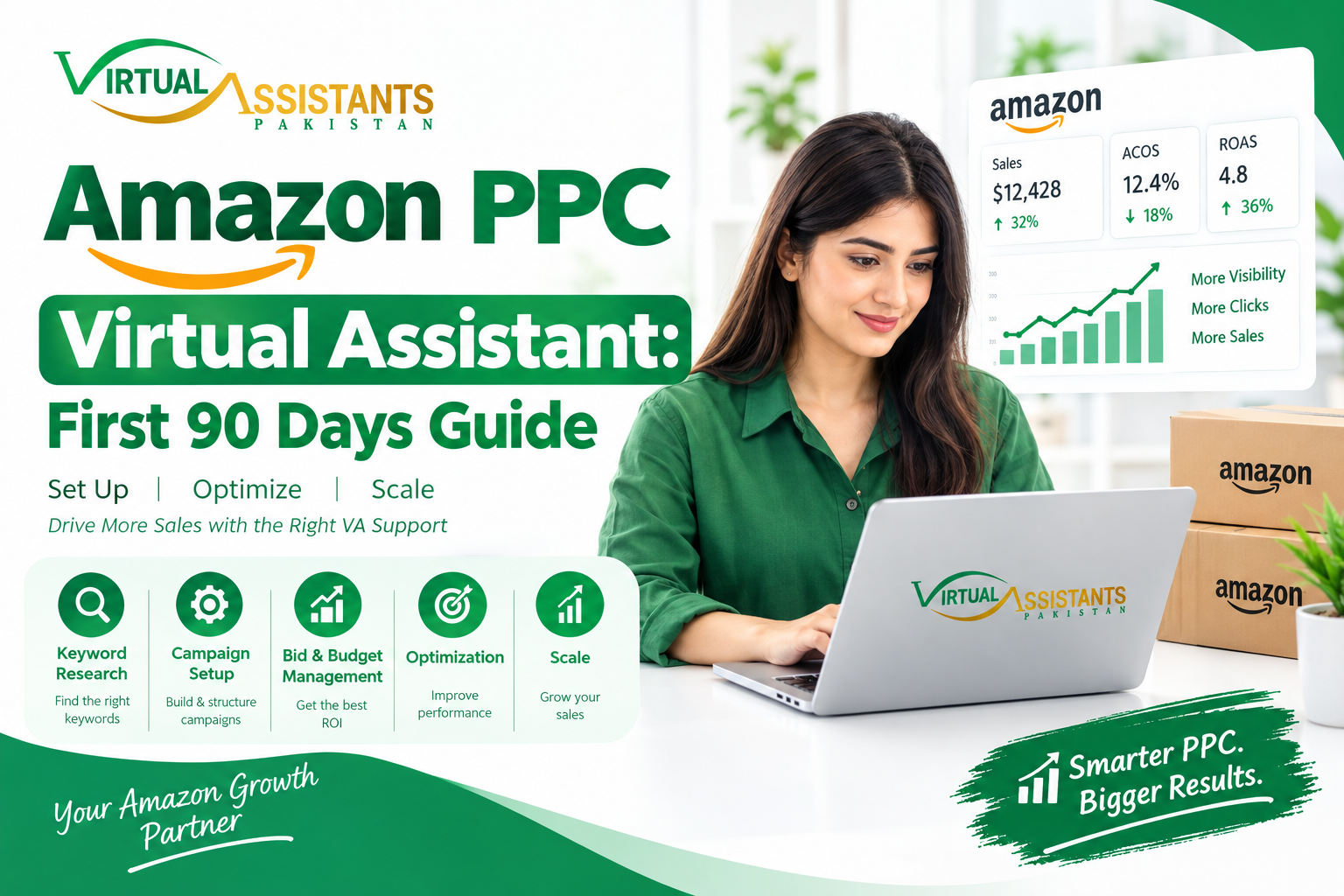
Many sellers hire an Amazon PPC virtual assistant hoping ads will pay back within a week. In practice, the first 90 days follow a pattern: set up, collect data, clean up and then scale. Knowing that pattern helps you judge the work fairly and spot a weak setup early, before it burns budget.
This guide explains what an Amazon PPC virtual assistant does, a day-by-day view of the first three months, the metrics to review each week, how to give access safely and how to hire well. It is written for Amazon sellers who want help managing Sponsored Products and other ad types without handing over control of the business.
Amazon PPC (pay-per-click) means you pay when shoppers click your ads. Managing it involves a steady loop of reviewing data and making small, careful changes. A trained Amazon PPC virtual assistant typically handles:
What the assistant should not do alone: set your overall ad budget, decide your profit targets, change prices, or promise sales results. Those are owner decisions, and they shape every other choice in the account.
| Phase | Days | Focus | What you will usually see |
|---|---|---|---|
| Audit and setup | 1 to 14 | Goals, margins, access, account audit, campaign structure | Little change in sales; a clear plan and baseline |
| Data gathering | 15 to 30 | Auto and research campaigns, search-term collection | Spend while the account learns; early patterns |
| Optimisation | 31 to 60 | Negatives, bid changes, promoting winning terms | Cleaner spend and improving efficiency |
| Scale and review | 61 to 90 | Expansion, defending key terms, 90-day review | A stable base and a decision on the next phase |
Exact results vary by category, competition and budget, so treat this as a map, not a promise.
The first two weeks decide how smooth the next 90 days will be. A good Amazon PPC virtual assistant will:
New or restructured campaigns need data. The assistant launches automatic campaigns and focused manual campaigns, then reviews search-term reports every week. Expect some spend that does not convert, because that is how the account learns which terms are relevant. Avoid constant changes in this phase; adjusting too early makes it harder to see what works.
With data in hand, the work becomes more precise.
You should see more control over spend and a clearer link between ad activity and orders, though trends can still move week to week.
Once the core campaigns are stable, the assistant can test additional options such as other ad types where you are eligible, defensive campaigns on your own brand terms and seasonal budget changes. At day 90, hold a review: compare against the baseline, list what worked, and decide whether to scale, hold or change the strategy.
| Metric | What it means | How to read it |
|---|---|---|
| Ad spend | Money spent on clicks. | Check against your agreed budget. |
| ACoS | Ad spend divided by ad sales. | Compare with your target and break-even level. |
| TACoS | Ad spend divided by total sales, including organic. | Shows how ads relate to overall business. |
| ROAS | Ad sales divided by ad spend. | The inverse view of ACoS. |
| Click-through rate | Clicks divided by impressions. | Reflects ad and listing appeal. |
| Conversion rate | Orders divided by clicks. | Reflects listing quality, price and reviews. |
Ad management cannot fix a weak product page. Price, images, reviews, stock availability and competition all change how many clicks turn into orders. A good Amazon PPC virtual assistant will flag listing problems, such as low conversion or stock-outs, so you can fix them. Without those fixes, higher bids simply buy more of the same poor result.
If you want ready support, see our Amazon VA services, and read our guide on hiring an Amazon virtual assistant for the wider picture beyond ads.
They set up and optimise campaigns, review search terms, add negatives, adjust bids and budgets within your limits and send reports.
It usually takes weeks of data before optimisation is reliable. Plan around a 90-day cycle and judge progress against a baseline.
It depends on your size and needs. A VA can be more flexible and affordable for execution, while some sellers want agency-level strategy. Compare scope, reporting and fees.
It depends on your margins and goals. Start from your break-even ACoS and decide how much to invest in growth.
They can adjust spend within limits you set, but the overall budget and profit targets should stay with you.
No. Use Amazon’s user-permission settings to grant limited access.
Spend, sales, ACoS, TACoS, conversion rate, key changes made and recommendations for next week.
No. Results depend on your product, market and budget, and no honest provider can guarantee sales.
Get a trained assistant to run your campaigns, report clearly and work within your targets.
Explore Amazon VA ServicesDisclaimer: This article is general information. Amazon’s features, policies and fees change, and results are not guaranteed. Check Amazon’s current advertising documentation before making decisions.
We typically reply in minutes
👋 Welcome! Tell us a little about yourself and we'll help you find the right virtual assistant.
WhatsApp us