

A new provider cannot bill most insurance plans until credentialing and payer enrollment are complete, and every week of delay can mean visits that cannot be billed or are billed late. Much of that process is paperwork, follow-up and deadline tracking, which is why many practices now use a provider credentialing virtual assistant to keep applications moving while clinical and office staff focus on patients.
This guide explains what credentialing involves, a realistic timeline, the documents you need, what a VA can handle, and what must stay with the provider or practice manager. It is written for clinic owners, practice managers and billing leads planning to onboard providers or add payers.
Provider credentialing is the process insurers use to verify that a clinician is qualified. The payer checks items such as the state license, education and training, board certification, work history, malpractice coverage and any sanctions. Many payers rely on a shared profile in CAQH ProView, so keeping that profile accurate is a large part of CAQH credentialing.
Three terms are often mixed up:
Practices that treat these as one task often discover late that approval for one does not mean the provider can bill under the other.
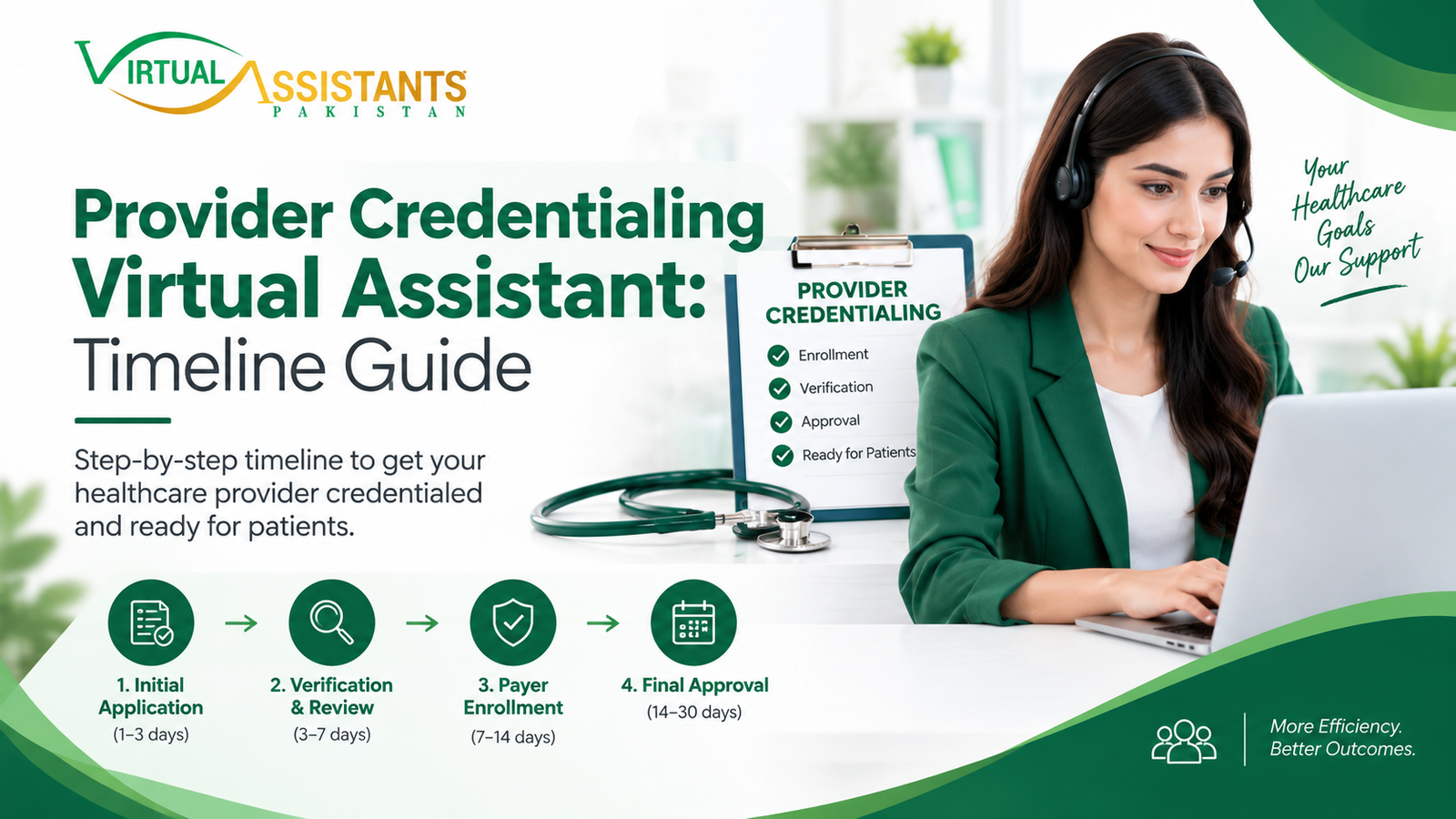
There is no single timeline. Each payer sets its own processing time, and incomplete applications restart the clock. As a planning rule, allow several months from a complete application to an effective date, and begin well before the provider’s first patient. The stages below show where time is usually spent.
| Stage | What happens | Where delays occur |
|---|---|---|
| 1. Document collection | Gather licenses, certificates, insurance and work history. | Expired or missing documents. |
| 2. Profile setup | Create or update the CAQH ProView profile and identifiers such as the NPI. | Gaps in work history, outdated details. |
| 3. Application submission | Submit payer applications and grant payers access to the profile. | Wrong forms, missing signatures. |
| 4. Primary source verification | The payer confirms credentials directly with the issuing sources. | Slow responses from schools, boards or past employers. |
| 5. Committee review | The payer’s credentialing committee reviews the file. | Review cycles that run on fixed schedules. |
| 6. Contract and effective date | The provider is added to the network and given an effective date. | Unclear effective dates, contract questions. |
| 7. System setup | Provider details are loaded into scheduling and billing systems. | Mismatched data causing claim rejections. |
| 8. Recredentialing | Periodic renewal of credentials with each payer. | Missed reminders and lapsed documents. |
Having these ready before your provider credentialing virtual assistant (or your own team) applies prevents the most common rejections.
The VA requests missing documents, checks that each one is current and keeps a calendar of expiry dates for licenses, insurance and certifications so renewals start on time.
The VA prepares the profile data, flags gaps, uploads supporting documents and reminds the provider when re-attestation is due. The provider reviews and attests personally.
The VA prepares applications from your records, submits them where permitted, and follows up with payers on status, requests for information and missing items, logging every reference number and contact.
A shared tracker shows each provider, payer, submission date, next action and expected follow-up date, so managers can see what is stuck without asking.
The VA schedules renewal tasks ahead of each deadline so credentials do not lapse unnoticed.
Once a provider is approved, the VA confirms effective dates and passes the details to billing so claims go out under the right provider and payer. See how this connects with our medical billing VA services.
| Cause of delay | Prevention |
|---|---|
| Incomplete application | Use a pre-submission checklist and a second-person review. |
| Outdated CAQH profile | Check it before every application and keep re-attestation reminders. |
| Work-history gaps | Write a short explanation for any gap before submitting. |
| No follow-up | Set status checks on a fixed schedule and log each contact. |
| Expired documents | Track expiry dates and renew ahead of time. |
| Data mismatches | Use identical names, addresses and identifiers across all forms. |
Whether you use a spreadsheet or a practice-management tool, record the provider name, payer, application type, submission date, reference number, current status, next action and date, contact person, effective date and recredentialing due date. A tracker like this lets a VA hand work back and forth with your team without losing history.
If you hire a provider credentialing virtual assistant, remember that credentialing files contain sensitive personal and professional data. Limit access to those who need it, use a password manager and two-step verification, share files through a secure drive rather than email attachments, and agree confidentiality terms in writing before the VA begins. Follow the privacy and security rules that apply to your practice, and have your compliance lead confirm them.
When credentialing is incomplete or effective dates are wrong, claims can be denied or delayed. Our guide to denial management with a virtual assistant explains how to work denied claims, and our article on speeding up prior authorization with a virtual assistant covers a related administrative bottleneck. Getting credentialing right at the start, with a provider credentialing virtual assistant tracking every date, prevents many of those problems.
It depends on the payer and on how complete the application is. Plan for several months and confirm current expectations with each payer.
A VA collects documents, maintains the CAQH profile data, prepares applications, follows up with payers, tracks deadlines and keeps the tracker updated.
No. The provider must review and attest to the information personally. The VA can prepare the profile and remind the provider.
Credentialing verifies qualifications. Enrollment or contracting adds the provider to the payer’s network and sets an effective date.
It is the use of a shared CAQH ProView profile that many payers access to verify a provider’s information instead of collecting it separately.
Payers set their own cycles, commonly every few years. Track each payer’s schedule and start renewals early.
It can be if you restrict access, sign confidentiality terms, keep attestations with the provider and review the work regularly.
As early as possible, ideally before the provider’s start date, since effective dates may not be backdated.
Get a trained assistant to track applications, follow up with payers and keep your revenue cycle moving.
Explore Medical Billing VA ServicesDisclaimer: This article is general information, not legal, compliance or payer-specific advice. Requirements and timelines vary by payer and state, so confirm details with each payer and your compliance professional.
We typically reply in minutes
👋 Welcome! Tell us a little about yourself and we'll help you find the right virtual assistant.
WhatsApp us